What's New in Plugin 1.0
Version 1.0.0 is the first stable release of the Logystera plugin for WordPress. This page is for site owners: what you will see, and what changed in how events are delivered. The full list of changes is in the Changelog.
The Status page
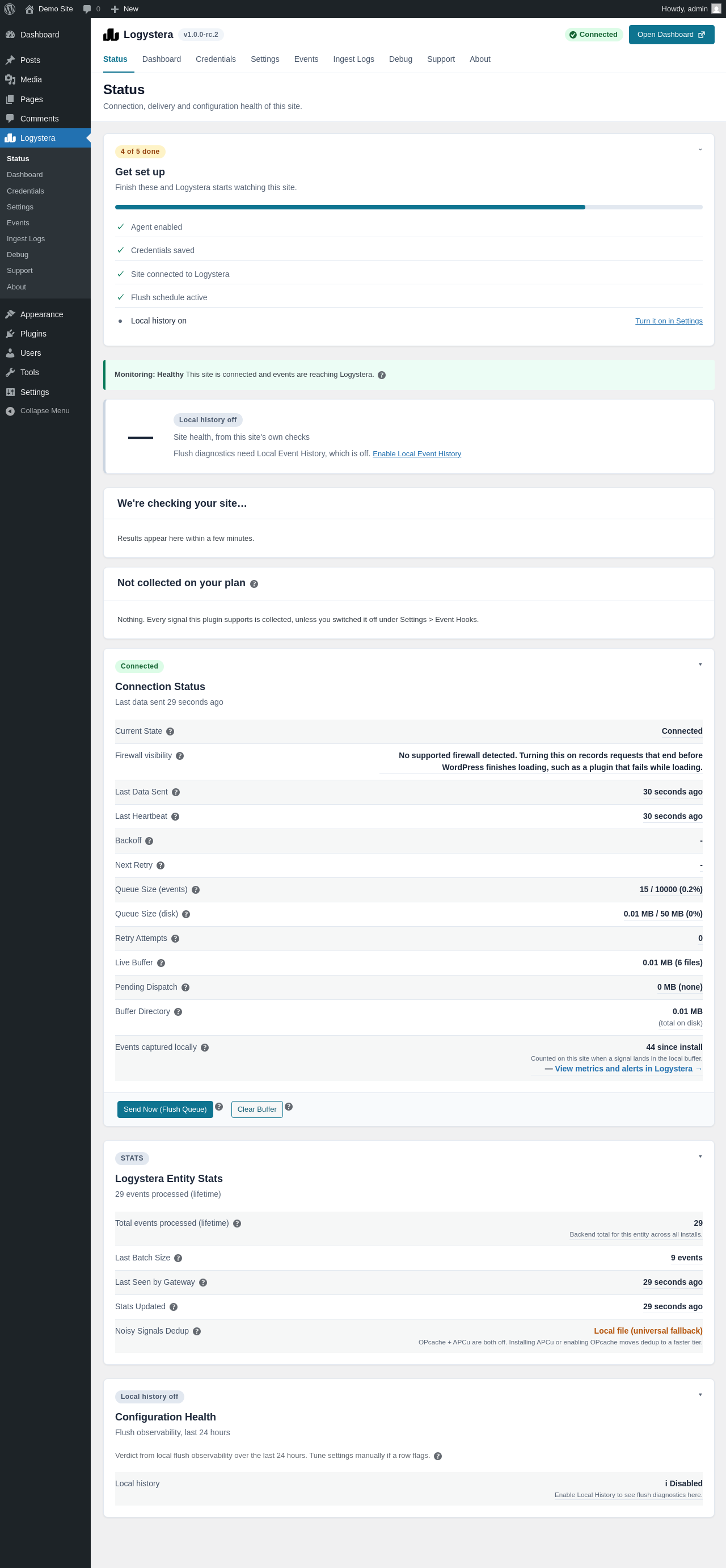
Logystera → Status is where to look first. At the top it shows whether the site is connected, a short Get set up checklist (agent enabled, credentials saved, site connected, flush schedule active, local history), and a Monitoring line that says whether events are reaching Logystera.
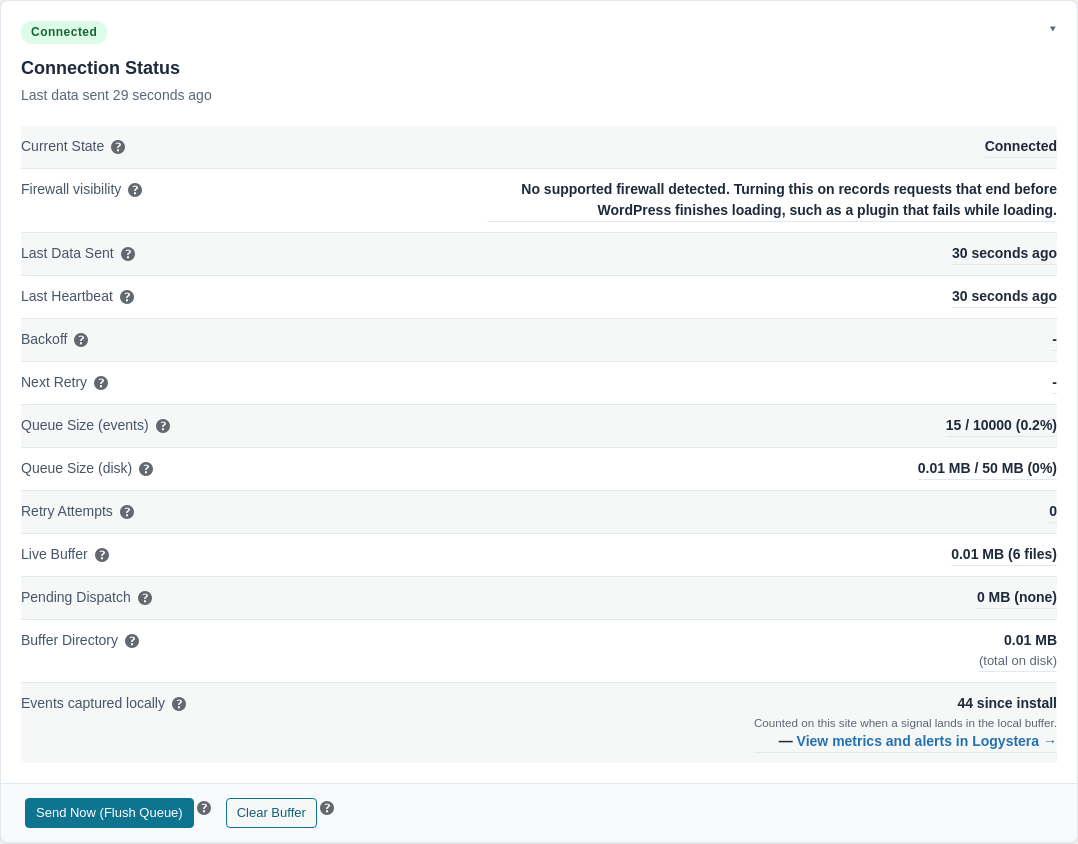
The Connection Status card holds the delivery details: last data sent, last heartbeat, how many events are waiting, and the buffer files on your server. Next to it is the Send Now (Flush Queue) button. Setup and Sending explains each row.
The About page
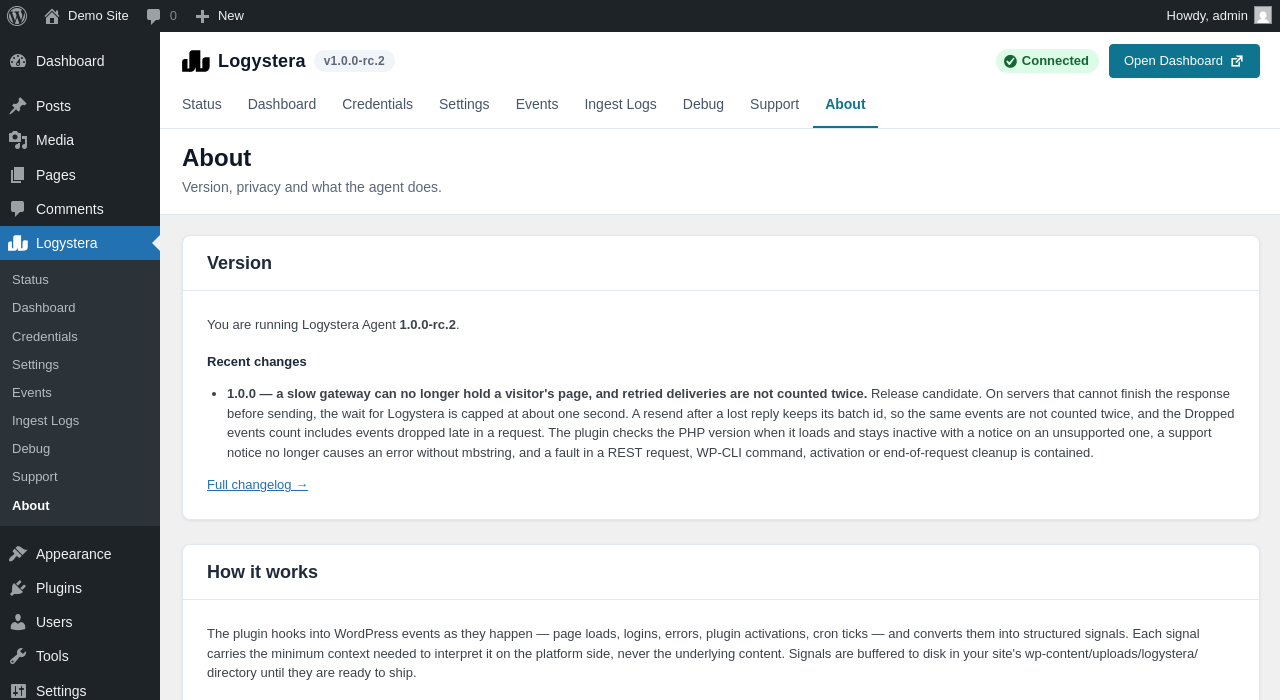
Logystera → About shows the version you are running, a short note on recent changes, how the plugin works, and a data transparency table: what is sent, what is never sent, where it goes, how often, and how to turn it off.
Connecting a site
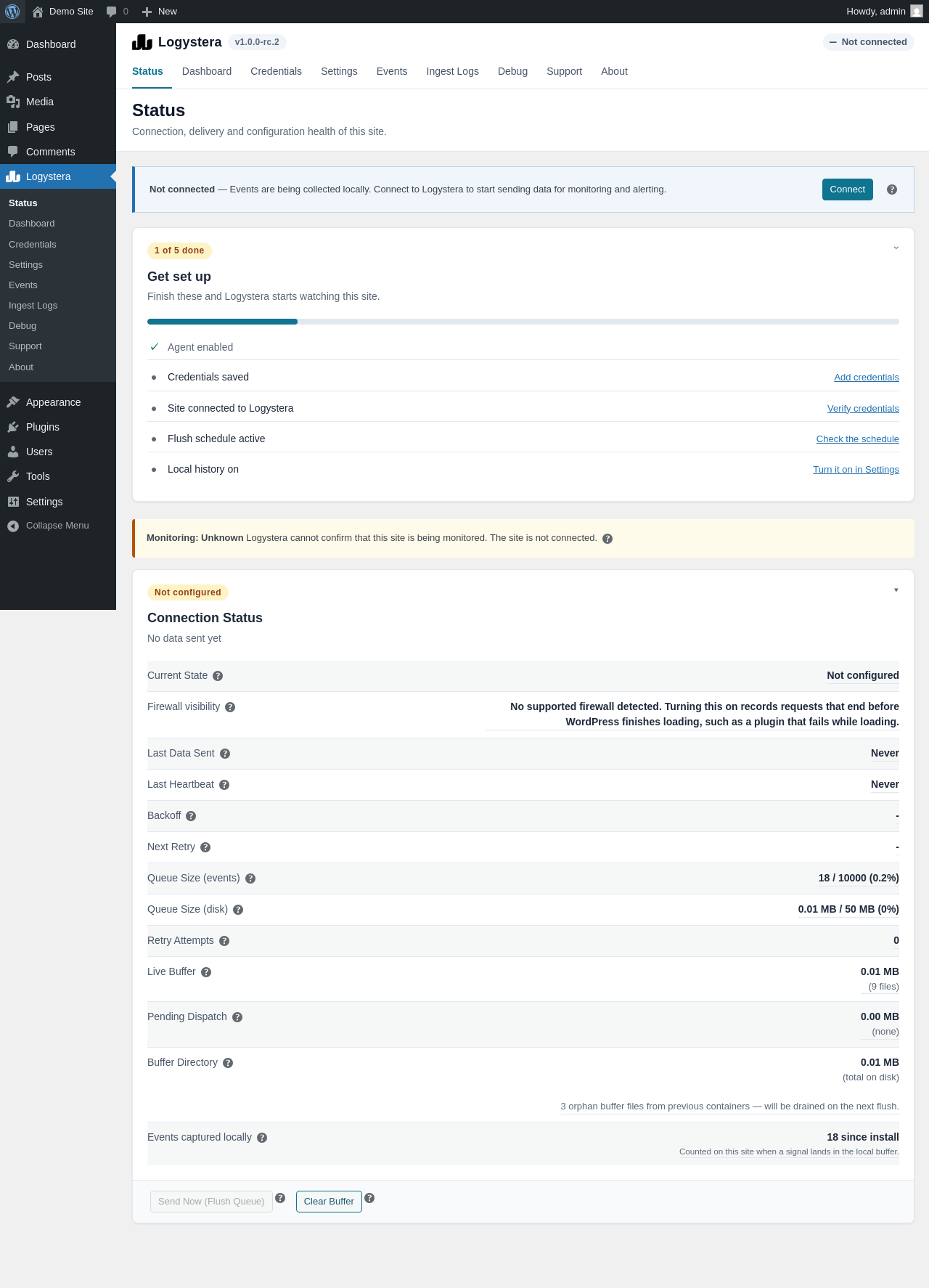
Connecting takes a few clicks: Connect, sign in (a free account is created if you do not have one), Connect Site. You return to WordPress with a Connected! message, and the events recorded so far are sent straight away. Nothing leaves your site before that. Steps and a walkthrough video are in Setup and Sending.
Delivery behaviour
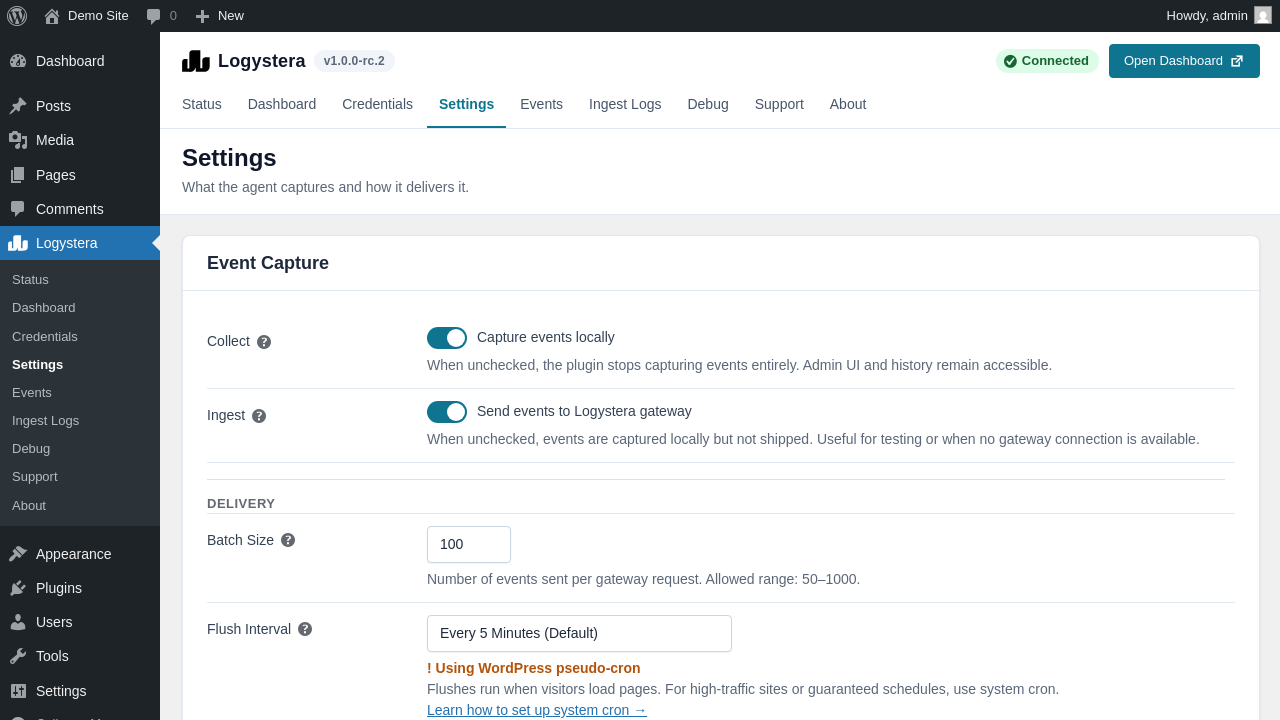
- Visitors do not wait for Logystera. A page visit records events to a file. Sending happens on the WP-Cron schedule (every 5 minutes by default), on a system cron if you set one up, or when you click Send Now.
- A slow gateway cannot hold a page. On servers that cannot finish a response before sending (typically Apache with mod_php), the wait for Logystera at the end of a request is capped at about one second, and one batch is sent. Whatever does not get through is kept and delivered by the scheduled send.
- No double counting after a lost reply. If a send times out but Logystera had in fact received it, the resend carries the same batch identity, so the same events are not counted twice.
- Dropped events are counted more completely. The Dropped events count now includes events dropped late in a request.
You can choose how often the scheduled send runs under Logystera → Settings → Delivery:
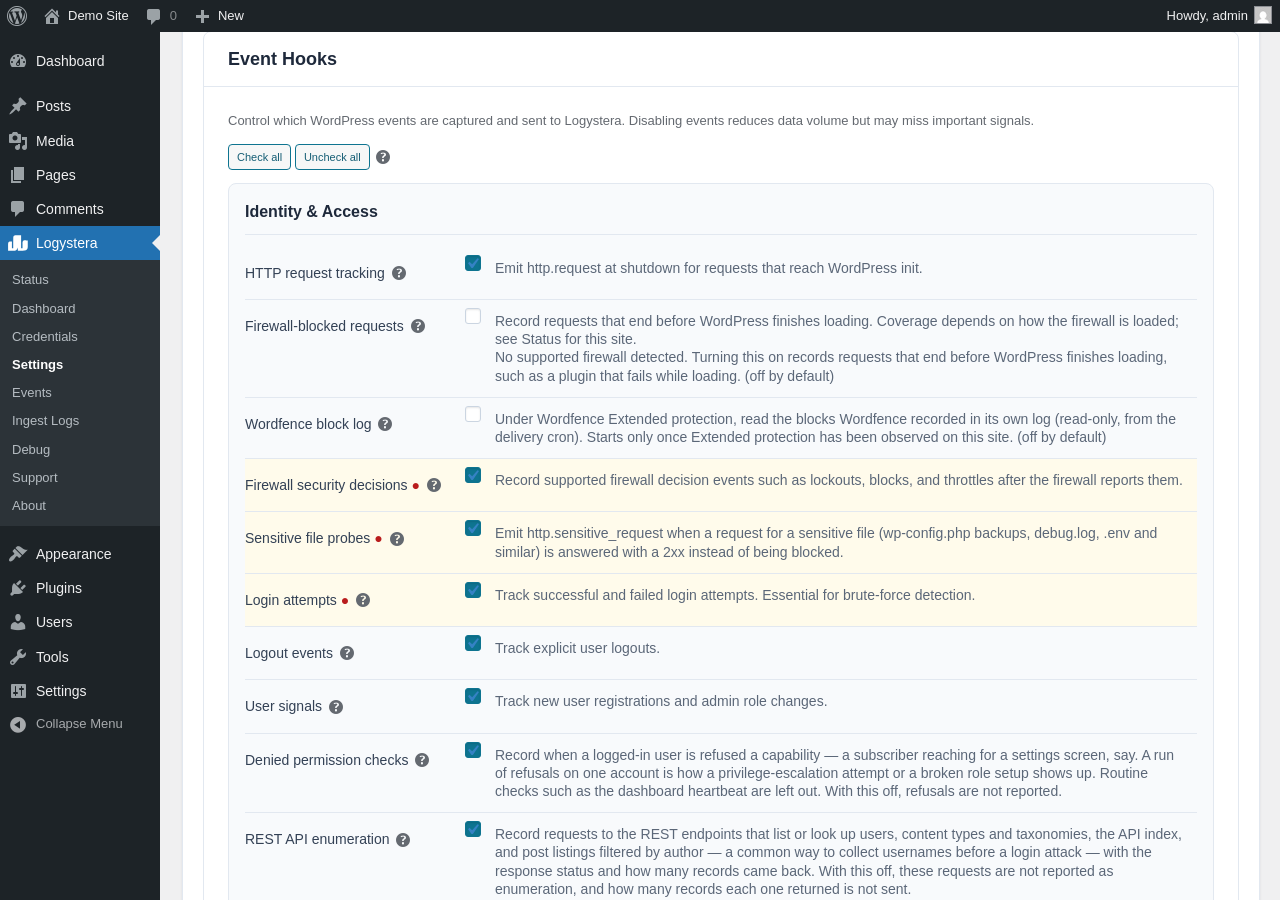
Event types are switched on and off under Settings → Advanced settings → Event Hooks:
Safer loading
- Unsupported PHP. The plugin checks the PHP version when it loads. On PHP below 8.1, or without the
json,opensslorctypeextensions, it shows an admin notice and stays inactive instead of breaking your site. - Contained faults. A problem inside a REST request, a WP-CLI command, plugin activation or the end-of-request cleanup is recorded and no longer stops the rest of that work. A support notice no longer causes an error on hosts without the mbstring extension.